
Who hasn’t experienced it: no or poor mobile reception in an important place, such as at home or in the office. Often you have to go outside to make a call or stand with the phone pressed to your ear against a window. Incoming calls are also difficult to receive unless the phone is constantly kept in a spot with at least some reception.
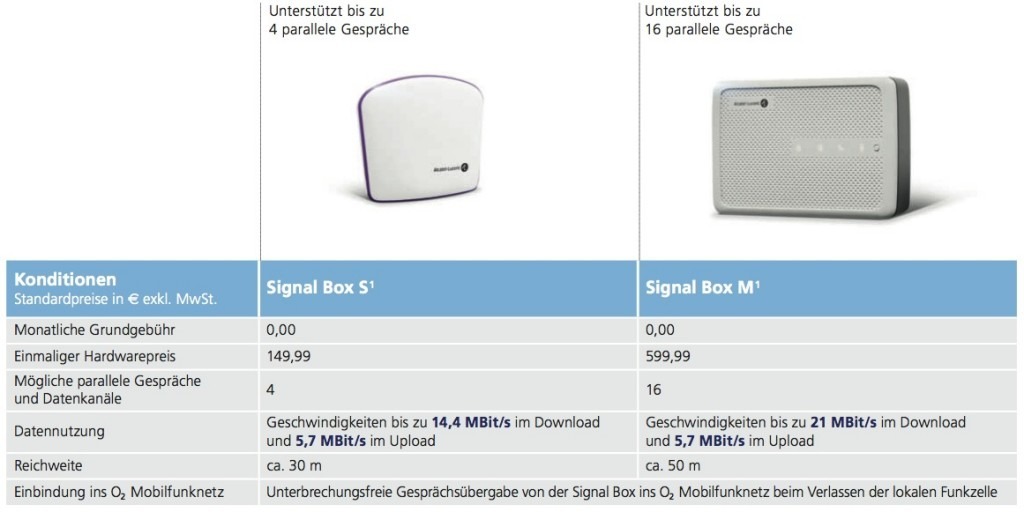
So-called femtocells promise a solution in situations like these. These devices are similar to Wi-Fi routers, but instead of transmitting a Wi-Fi signal they provide a mobile network signal. For several months, Vodafone and Telefónica (o2) have offered such femtocells. Customers who have problems with network availability at specific locations can use them to improve coverage. Telefónica calls its product the Signal Box; the S and M versions are currently available only to business customers. Here are the differences between the two models:
Package Contents
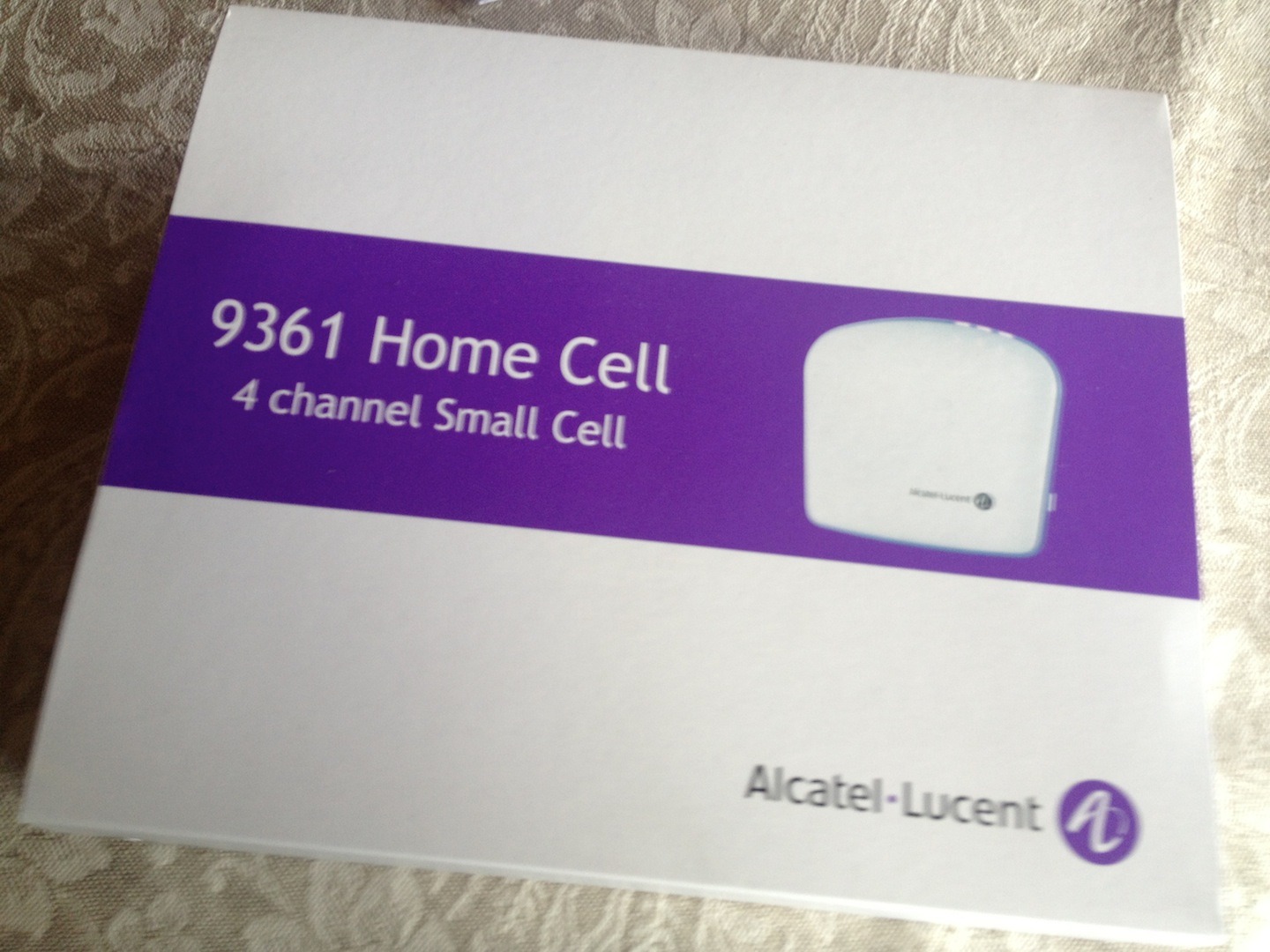
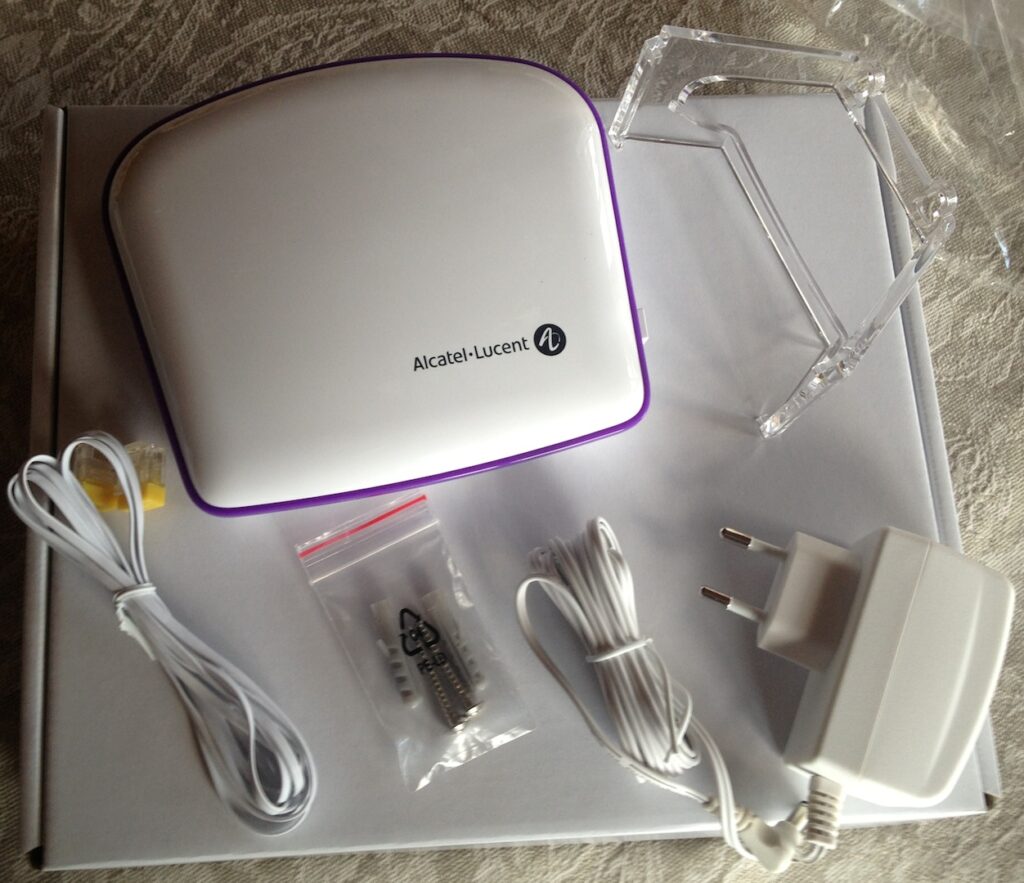
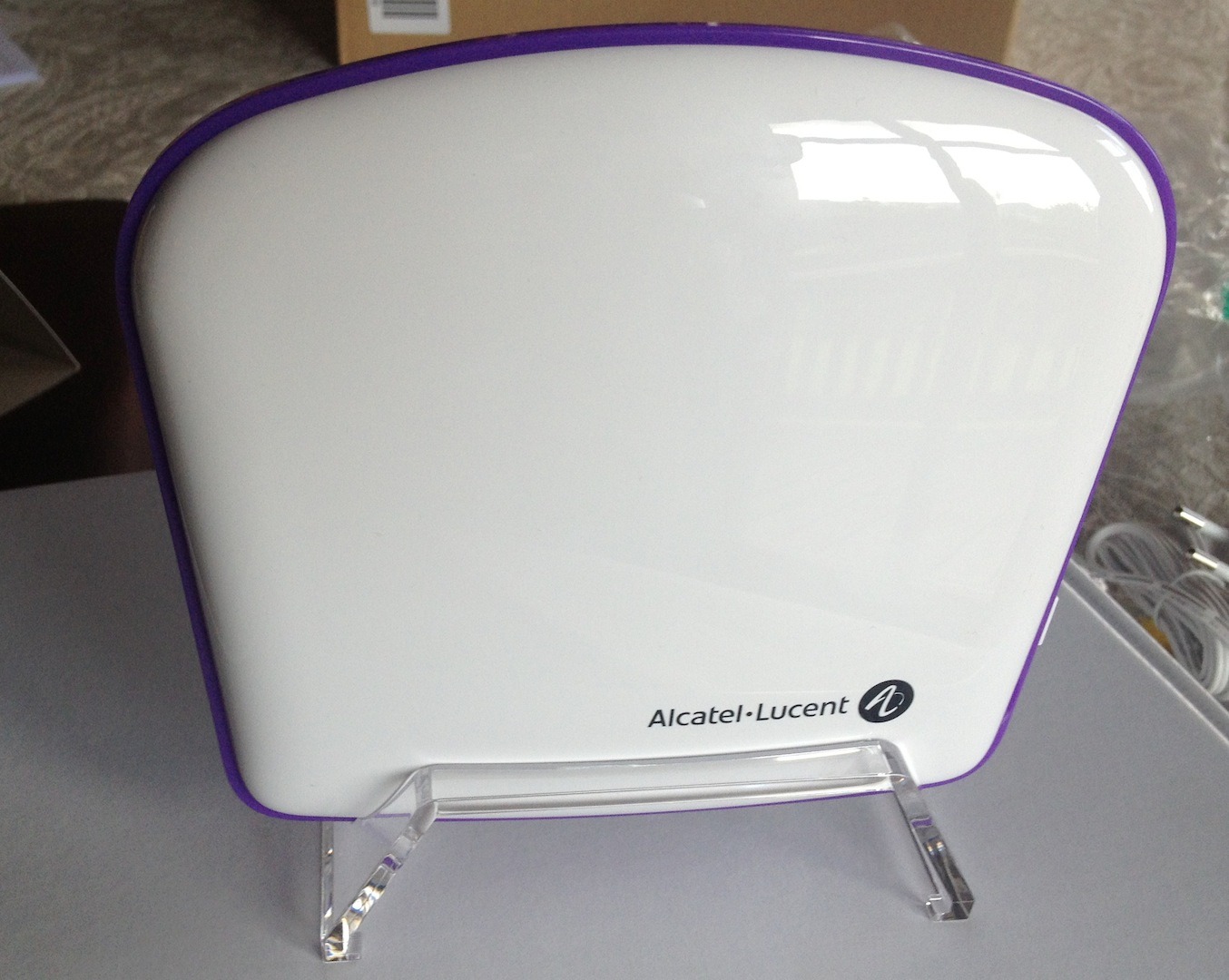
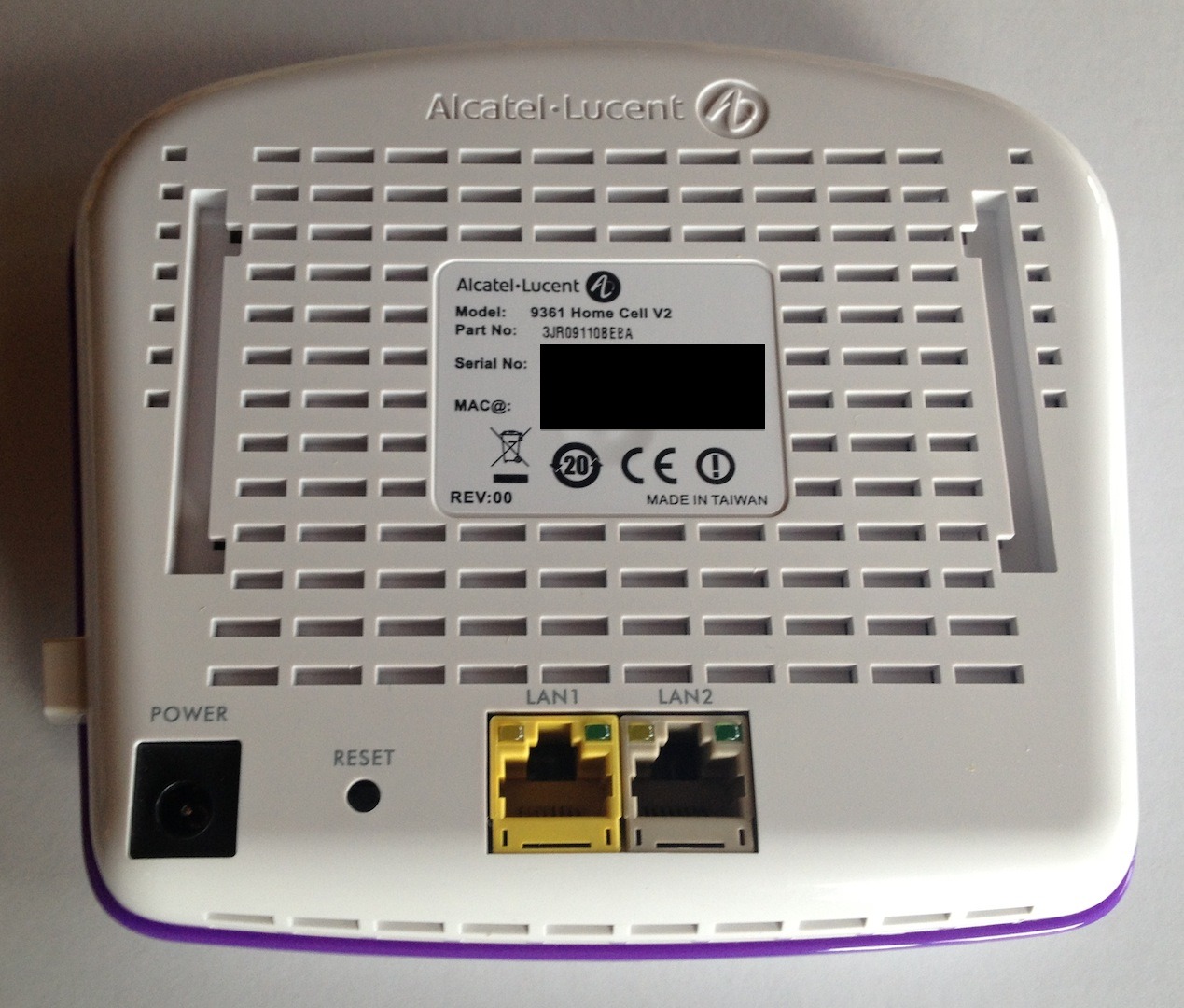
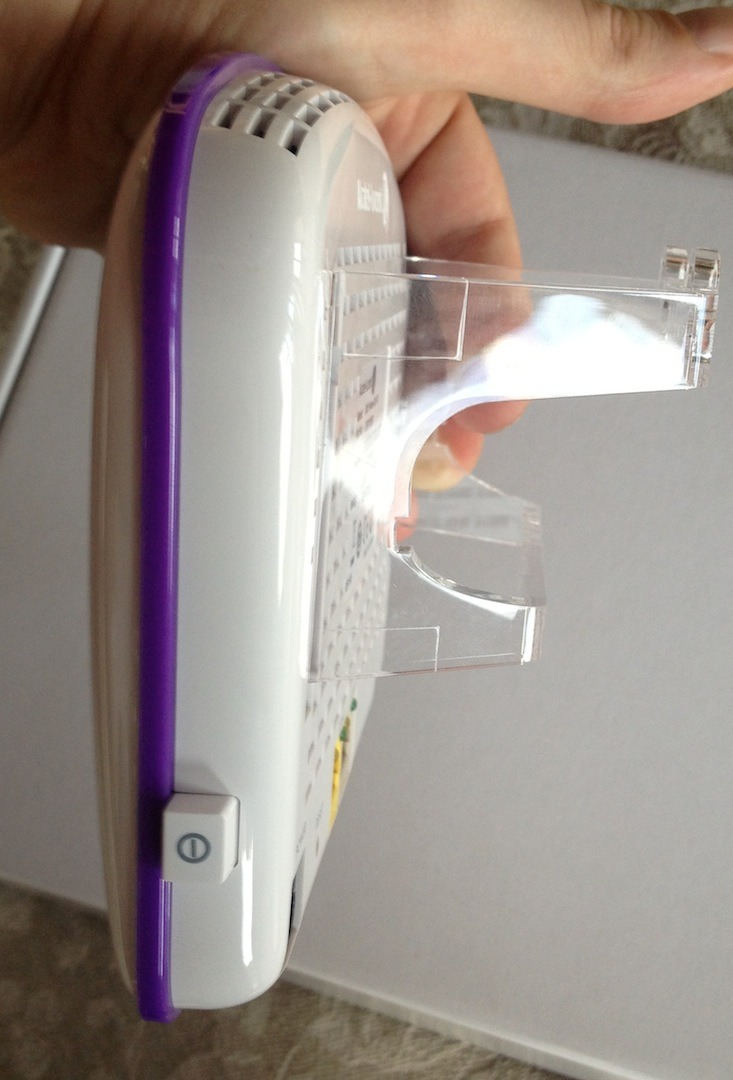
Telefónica’s femtocell is supplied in packaging from the actual manufacturer, Alcatel-Lucent, as shown in the article image above. In addition to the femtocell, the box contains the power supply, a network cable, wall plugs and screws, plus a bracket that can be used either as a wall mount or a desktop stand.
The Test Environment
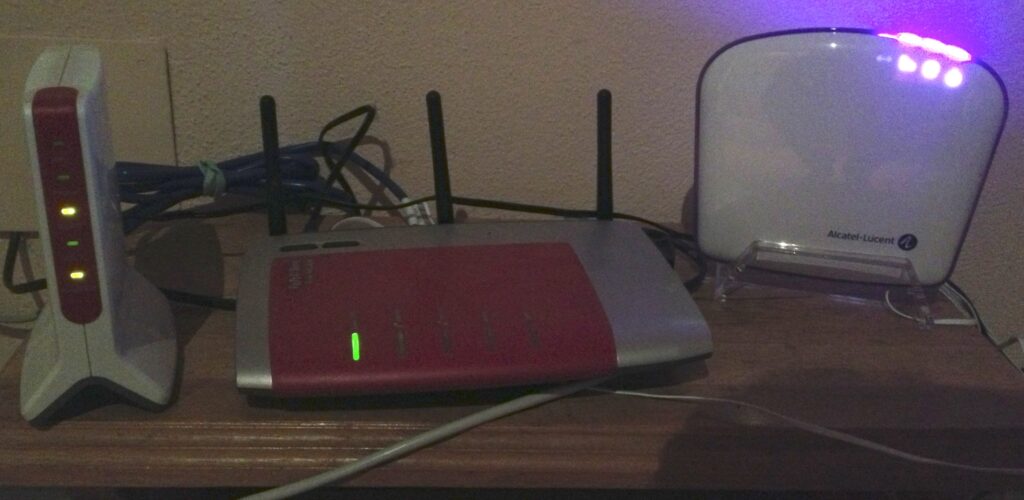
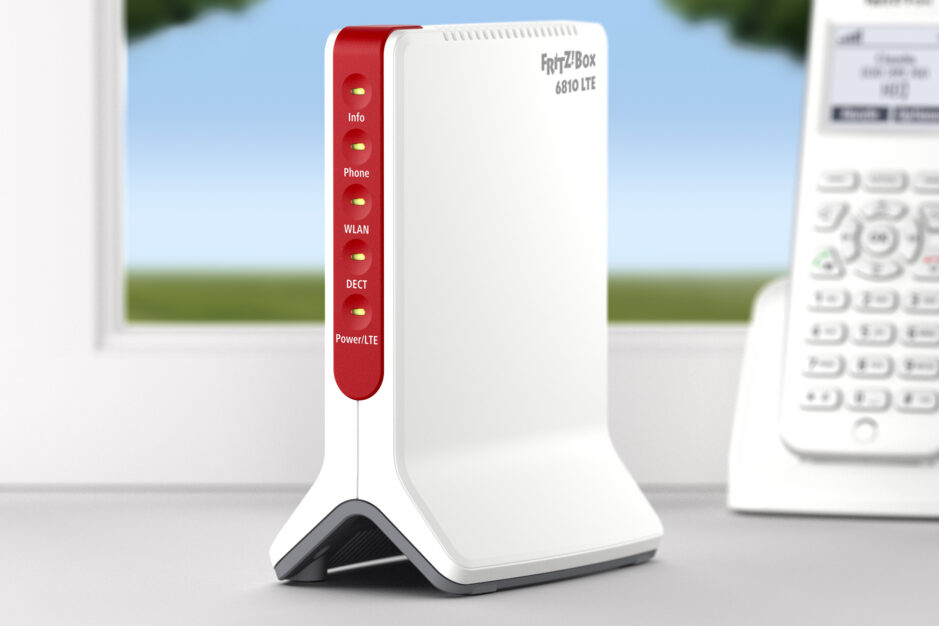
In my case, the Signal Box S is not connected to a conventional DSL line, but to a Deutsche Telekom LTE connection. The LTE connection delivers 16 Mbit/s downstream and 1.5 Mbit/s upstream. A FritzBox 6810 LTE is used as the router, with another FritzBox 7270 between the router and the Signal Box. Regarding the o2 network at this location: the area is generally covered by 2G technology in the 900 MHz band. However, signal strength fluctuates repeatedly and a stable connection is usually only available outdoors.
Installation
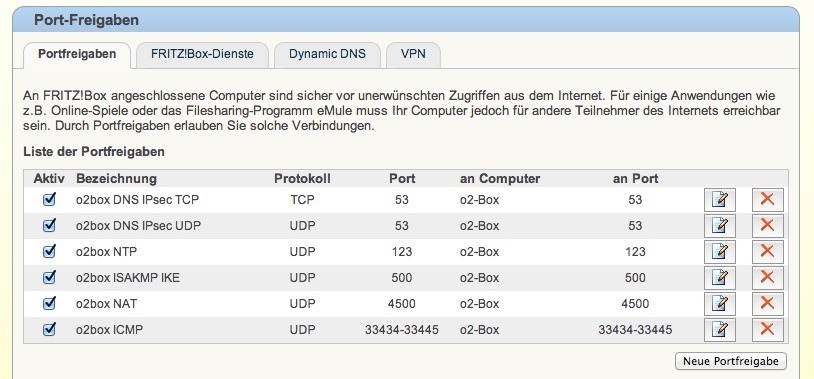
Before it can be used, Telefónica’s femtocell must first be registered for the location where it will operate. The address is entered on a special o2 website, after which the femtocell is registered on the o2 network. It can take up to four weeks before you receive confirmation that registration has been completed and the Signal Box can be put into operation. There is nothing to configure on the Signal Box itself; unlike a Wi-Fi router, it has no backend for settings. The router connected to the Signal Box does, however, need to be configured by opening the following ports and forwarding them to the Signal Box IP address:
- Port 53 TCP & UDP (for DNS/IPsec)
- Port 123 UDP (for NTP)
- Port 500 UDP (for ISAKMP)
- Port 4500 UDP (NAT)
- UDP port range 33434 to 33445 (for ICMP)
The Signal Box in Everyday Use
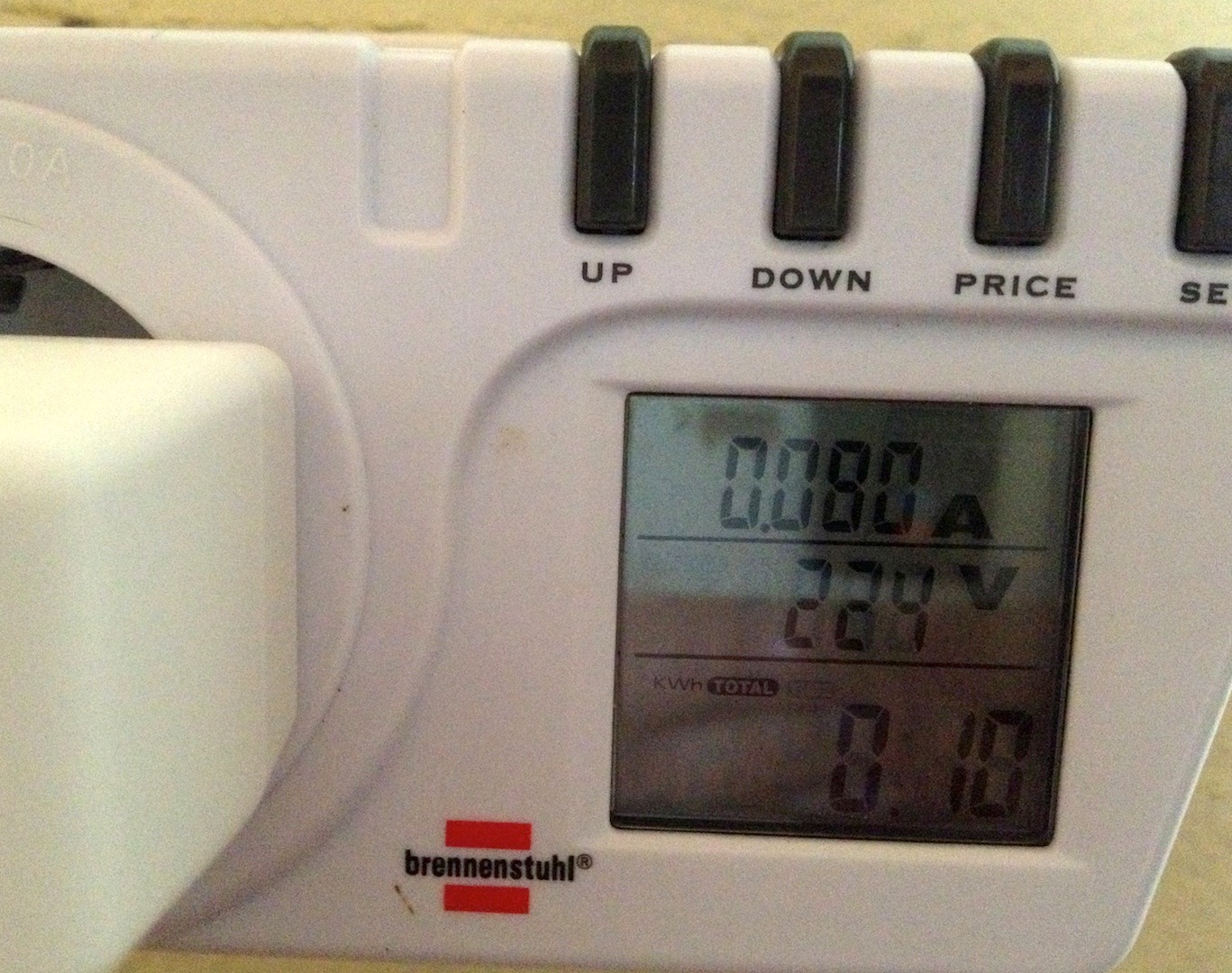
As soon as port forwarding is enabled and the Signal Box is switched on, it establishes a VPN tunnel to the o2 network, downloads the latest firmware and provides a 3G network. According to Telefónica, this takes up to 20 minutes on first use, although it was considerably faster in my case. I particularly like the power button on the right-hand side of the Signal Box, because it makes it easy to switch the box on only when it is actually needed. The Signal Box S does not consume much power anyway: I measured around 0.2 kWh per day.
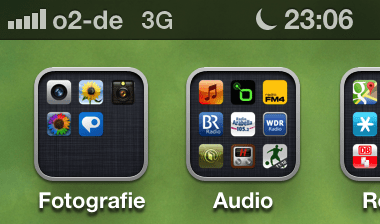
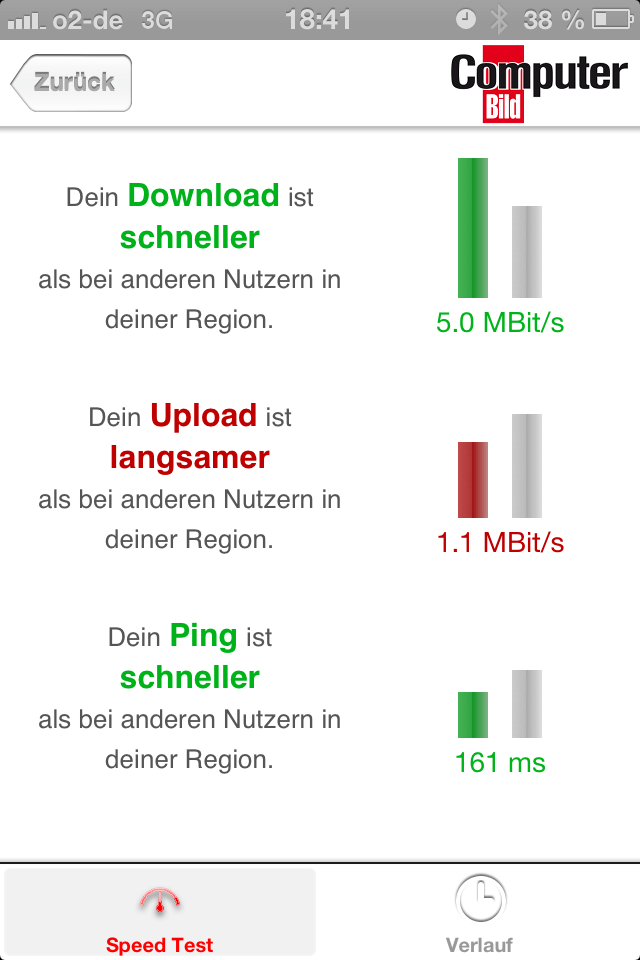
After switching the box on, it takes around five minutes for the 3G network to become available. Voice quality is very good. There are no noticeable delays caused by the latency of the internet connection, for example. Calls connect quickly and as usual. Naturally, the 3G connection can also be used for internet access. However, I was never able to measure the download speed of up to 14.4 Mbit/s stated in the data sheet, even though the LTE connection would have supported it. Download speeds were usually just over 4 Mbit/s. That is not a major issue, however, because the existing Wi-Fi is used for the internet connection.
The Signal Box range corresponds quite closely to the 30 metres specified in the data sheet. If you leave the femtocell coverage area during a call, a handover to the mobile network can take place, meaning the call is transferred seamlessly to a nearby cell tower. Handover in the opposite direction does not work. A call may therefore have to be ended and restarted once the phone has registered on the Signal Box 3G network. In my case, this limitation also caused dropped calls when I was talking on the balcony and my iPhone switched to the regular mobile network. Presumably the o2 network was stronger than the femtocell signal at that moment. Because the o2 network fluctuates considerably at this location, the call then dropped when the mobile signal became too weak again.
Conclusion
The o2 Signal Box does what it promises: it uses a broadband connection to provide a 3G network for calls where there would otherwise be insufficient coverage. It also works on an LTE connection. Anyone who also needs to use the 3G connection for internet access should not expect the advertised maximum download and upload speeds. Registration could be faster during setup; up to four weeks for the mandatory location registration is simply too long. Apart from that, setup is very easy, although you should know how to configure port forwarding on your own network. With the exception of the missing handover into the femtocell, the product is fully mature. It is therefore somewhat difficult to understand why the Signal Box is currently sold only to Telefónica business customers.
Positive
- o2 3G network even in areas without 3G reception
- Also works with an LTE connection
- Good voice quality
Negative
- Advertised maximum speeds are not reached when using the 3G connection for internet access
- Required location registration can take up to four weeks
- Handover from the mobile network to the Signal Box is not currently possible
- Available only to Telefónica/o2 business customers
Update
Since 2016, we have used o2’s new Wi-Fi Calling feature instead of the o2 Signal Box. It works very well with iPhones and a large AVM mesh Wi-Fi network. Wi-Fi Calling is not restricted to business customers, and there is no need for an additional femtocell.
o2 Signal Box S in Pictures






Servus,
danke für deinen Artikel, sehr lesenswert. Kannst du mir sagen, ob du noch etwas an deiner Fritzbox einstellen musstest? Bei mir blinkt die @ und “Netzbalken” Leuchte nach dem Einschalten der Box und nach einer Weile nur noch die Power Leuchte. Im Endeffekt funktioniert also nichts. Kannst du dir das erklären?
Hi Simon,
interessant, meine Signal Box hat aktuell das gleiche Problem. Und alles neu konfigurieren hatte auch nicht geholfen.
Erkundige mich morgen mal, ob da ggf. globales Problem vorliegt und melde mich dann nochmal.
Schönen Abend noch!
Wow danke für den Einsatz 🙂
Schönen post-Oster Start!
zwei Fragen die mich beschäftigen:
Funktioniert das auch an einen Sat-Internet-Anschluss?
Wird das 3G-Roaming O2/eplus wohl auch irgendwann für die Signalbox freigeschaltet?
Danke für Info´s
Hallo Christof,
ich kann mir schlecht vorstellen, dass der Betrieb der SignalBox über Sat-Internet gut funktioniert. Das Problem dabei wird der Ping sein. Der beträgt bei Sat-Internet um die 600ms das sind 0,6 Sekunden. Bei Telefongesprächen sollte der Ping bei 30 – 50ms liegen damit ein Gespräch flüssig geführt werden kann. Von daher würde ich das nicht empfehlen. Funktionieren sollte es jedoch, macht aber keinen echten Spass, weil man über eine Sekunde (2×0,6 Sekunden) auf die Antwort warten muss. Ob Signalboxen für National Roaming freigeschaltet werden, weiß ich nicht.