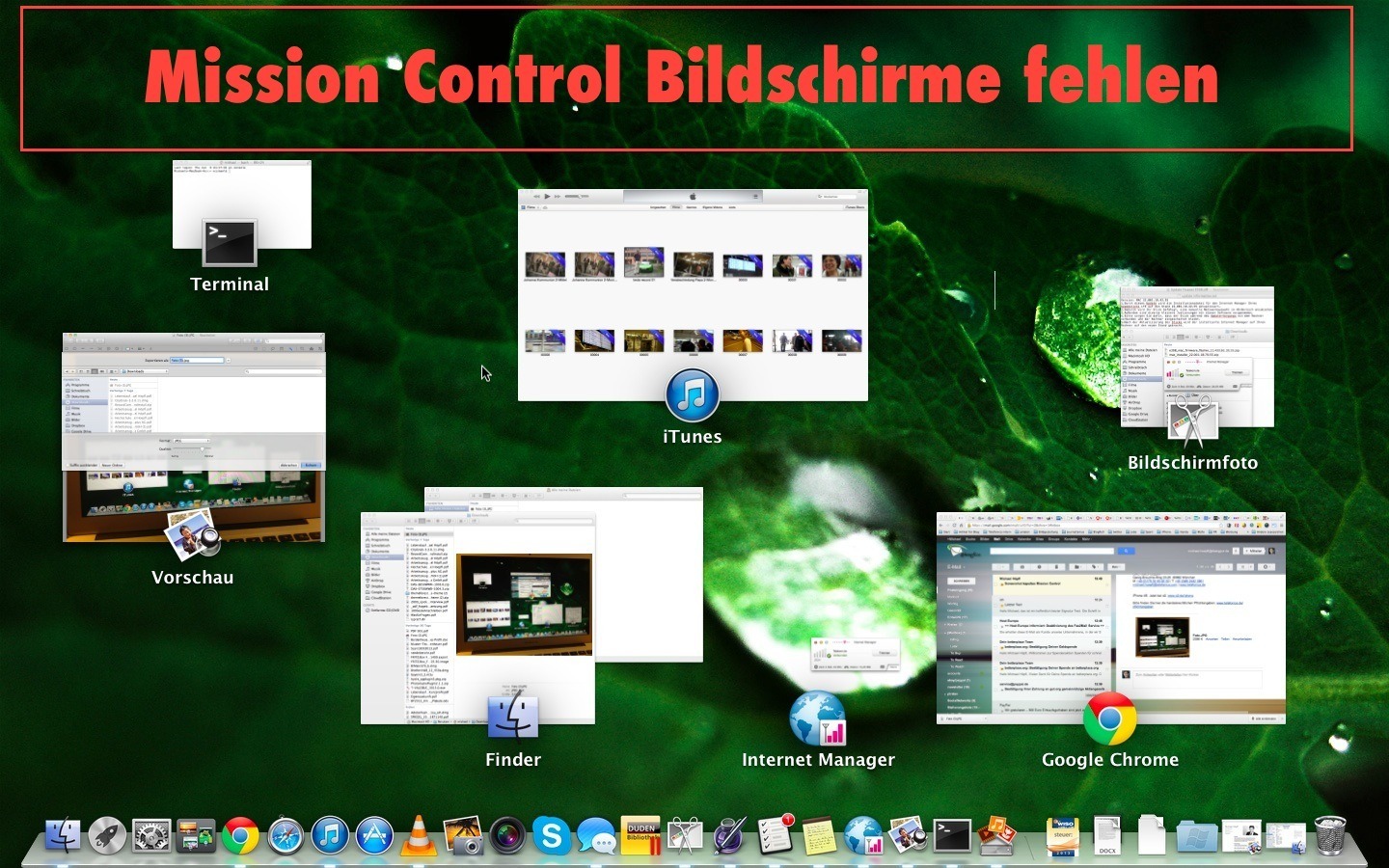
My MacBook Air occasionally annoys me when I disconnect it from my external display. The various desktops suddenly disappear from the top of the Mission Control view. The screenshot above illustrates the problem:
Restarting the computer fixes the problem. Even though Apple computers do not take particularly long to restart and automatically reopen the applications you were using, it is still annoying.
But there is a much more elegant and faster solution:
- Open Terminal – the easiest way is simply to type “Terminal” into Spotlight (usually the magnifying glass at the top right, next to the clock).
- Enter the command “killall Dock” (without the quotation marks, of course).
- Problem solved